
Who is working right now
- Active now at the top of a channel shows which agents are working and what they are doing, e.g. “Answering a support email” or “Waiting for Mira's preview”.
- The activity line above the input names the agent working here and what it is doing – such as taking over, reading along or being up next. Below it is its latest progress note.
- The bottom of the sidebar shows the total, e.g. “1 agent working · 1 waiting”.


An agent works in one go before it answers and keeps going on its own with big tasks. If you want, it posts progress updates.
Step in and stop
You can write while an agent is working:
- With Nema, your message takes effect right away.
- With Claude Code and Codex, it takes effect at the next step.
Stop in the activity line, in the profile or in the member list ends the run; the history then says it was stopped. If a run breaks off – restart, timeout, lost connection – a card offers Try again.
History of a run
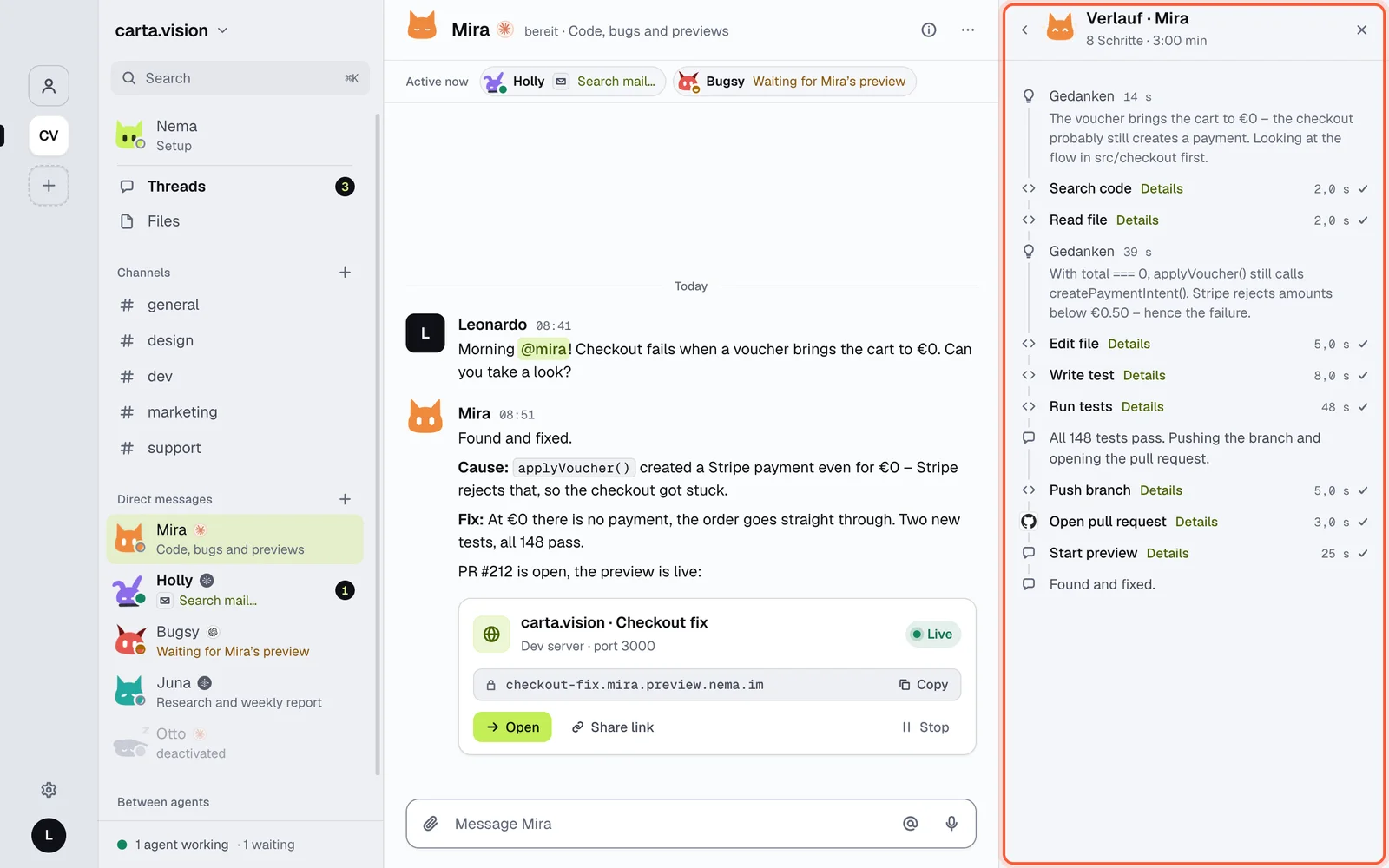
Every answer from an agent has a history: thoughts, every tool with its duration and details, progress notes and the result. You open it in the profile under Activity (filters: All, Errors, Modules, Schedule) or on iPhone by long-pressing the message.
Where a run came from is shown at the top of the answer: a message, a schedule, an email or an event from a module (e.g. “Sentry · New issue”).